Local AI
Run LLMs locally. Ollama · llama.cpp · GPUs · Open WebUI
-
 1
Software
ProxmoxPCServerHomelab
1
Software
ProxmoxPCServerHomelab
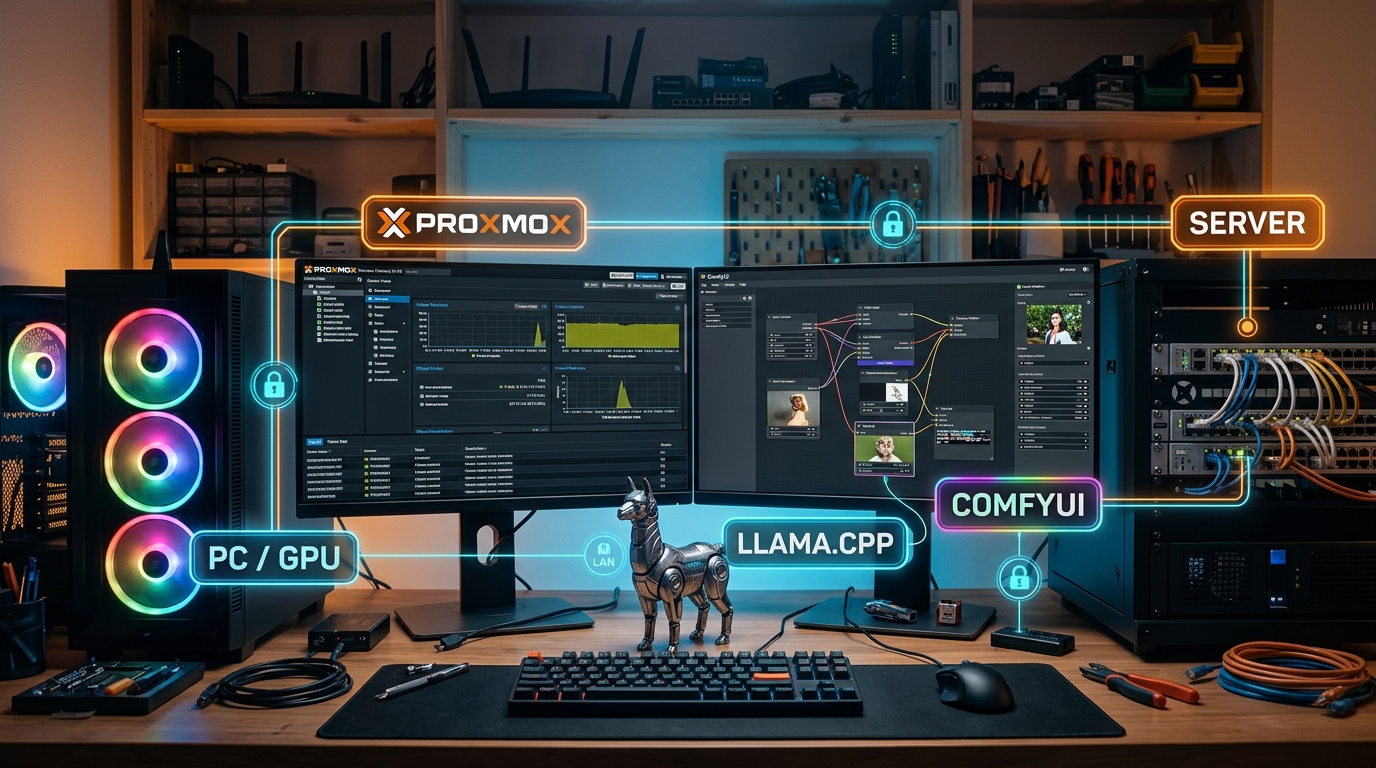
Installing Proxmox VE – The Foundation for Your Local AI Server
Install Proxmox VE the right way, with the correct BIOS settings and current updates – the first step toward your own local AI server.
Read the guide → -
 2
Software
ProxmoxNvidiaLocal AI
2
Software
ProxmoxNvidiaLocal AI
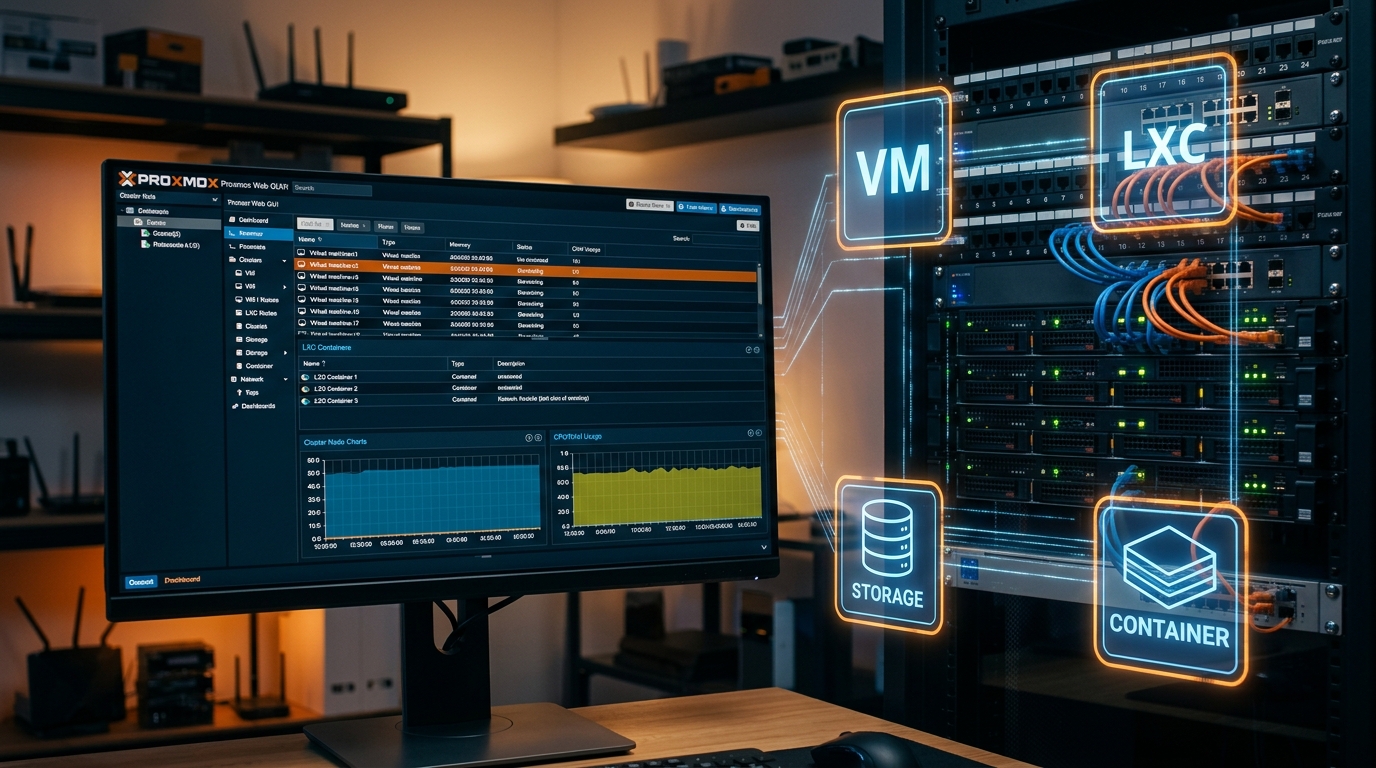
Setting Up an NVIDIA GPU for an LXC Container on Proxmox VE
This guide continues my article on the basic Proxmox installation. Now that Proxmox VE is set up, the next task is to prepare the NVIDIA RTX 3060 for my local AI server and then make it available to LXC container 101.
Read the guide → -
 3
Software
dockerProxmoxServerLocal AI
3
Software
dockerProxmoxServerLocal AI
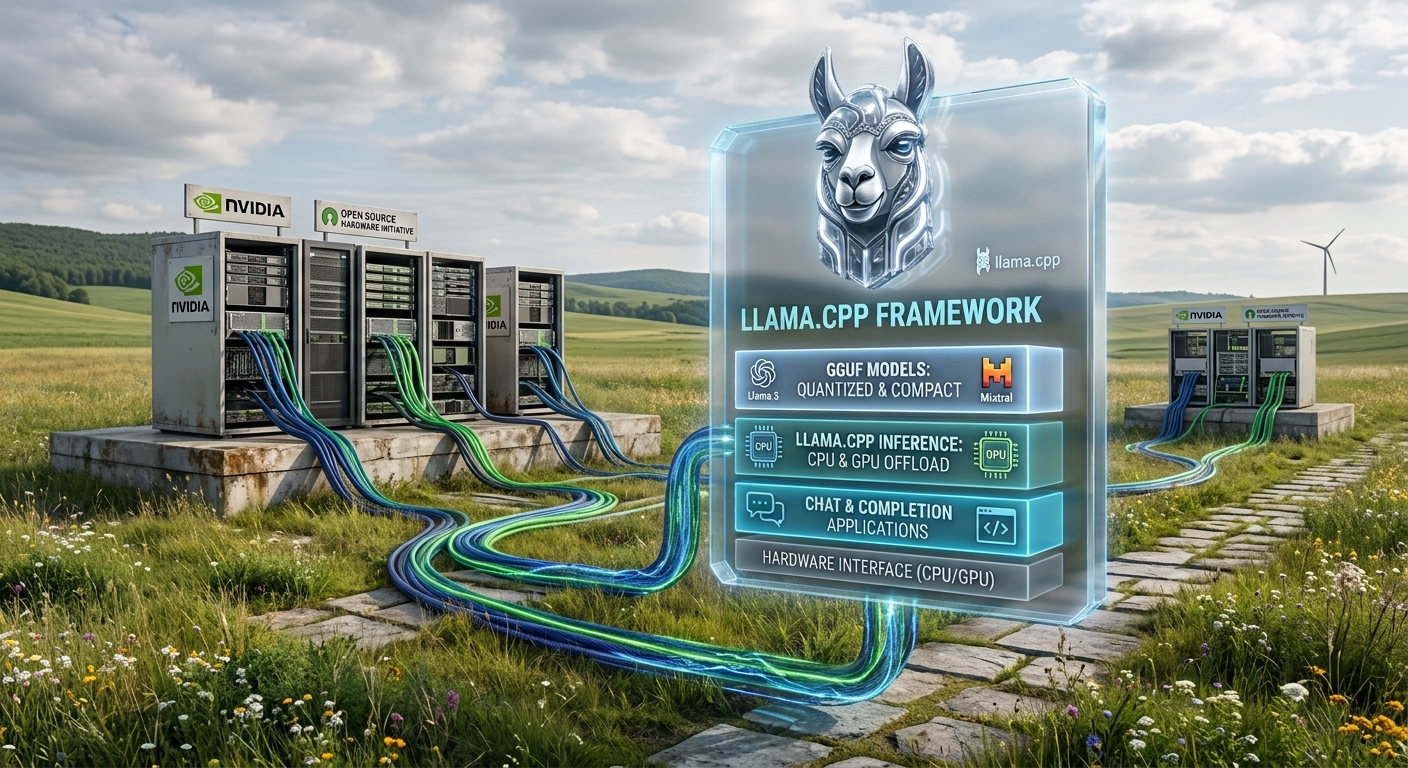
Standard llama.cpp for GGUF Models
Set up llama.cpp with CUDA support and run GGUF models locally on the NVIDIA GPU. From the Docker configuration to your first running local LLM.
Read the guide → -
 4
Software
ProxmoxLocal AIBonsai 2Nvidia GPULLM
4
Software
ProxmoxLocal AIBonsai 2Nvidia GPULLM
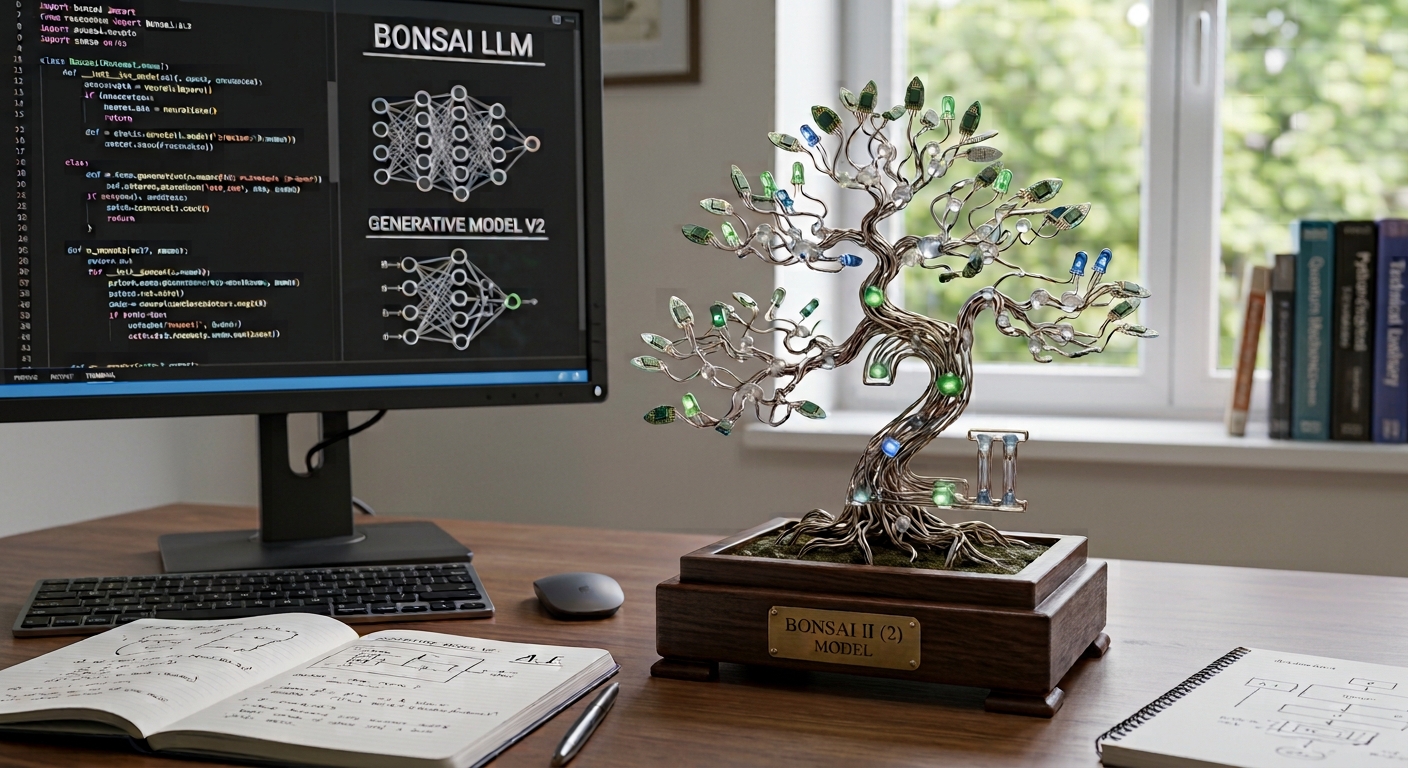
Bonsai 2 with a llama.cpp Fork
In this guide we set up Bonsai 2 27B with the PrismML llama.cpp fork. We configure the NVIDIA GPU, install the model, test the performance and then set up Bonsai 2 as a permanent llama-server with systemd.
Read the guide → -
 5
Software
ProxmoxLocal AIVirtuelle MaschineHermes Agent
5
Software
ProxmoxLocal AIVirtuelle MaschineHermes Agent
Hermes Agent: From LLM to AI Agent
In this guide we install Hermes Agent in its own Debian 13 VM and connect it to an LLM API. Then we test the agent features and set up Telegram so that Hermes can also be used from a smartphone.
Read the guide →