Conclusion & outlook
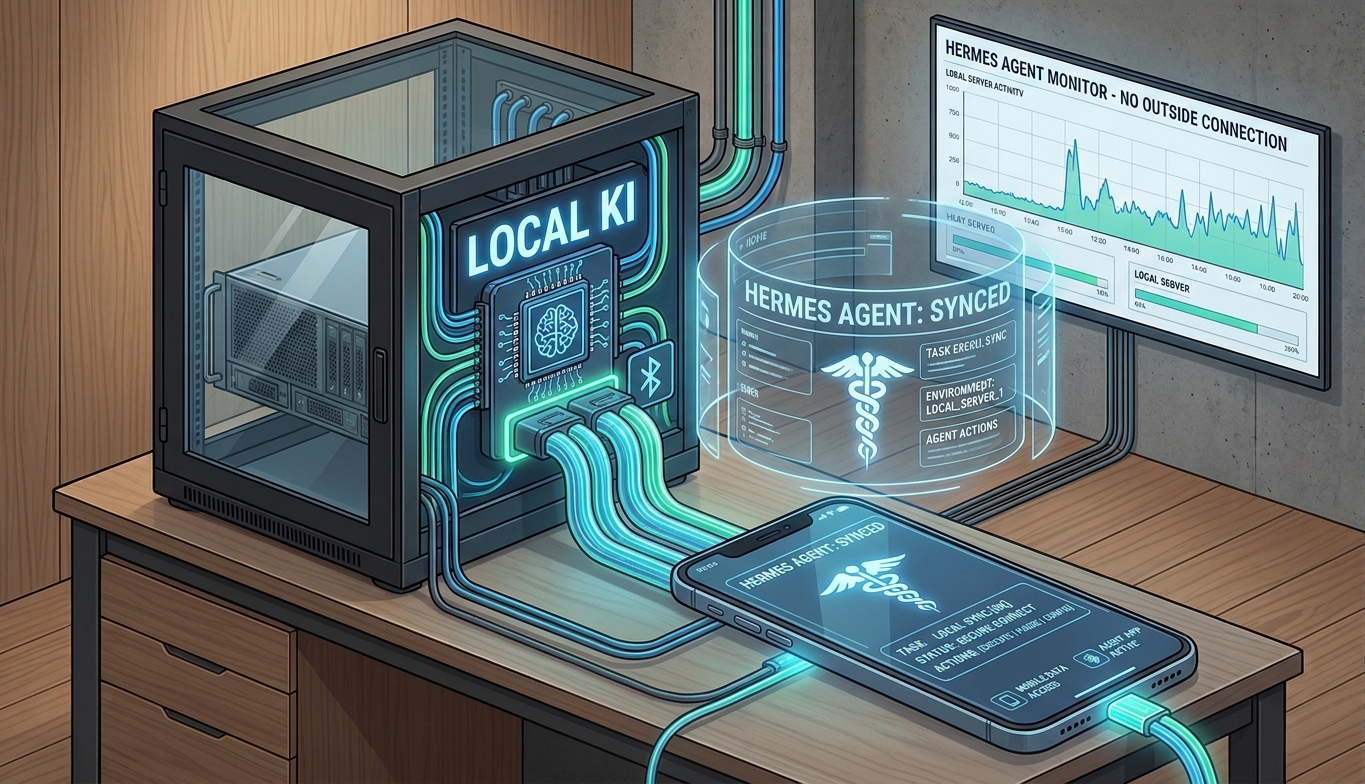
With Hermes Agent, our local AI series has reached a point where a simple language model has turned into a real AI agent.
We started with the installation of Proxmox VE, then set up the NVIDIA GPU for an LXC container, used llama.cpp and GGUF models, set up Bonsai 2 with the PrismML fork and finally built an additional agent layer with Hermes Agent.
Step by step, we turned a normal PC into a local AI server that today can not only generate text, but also use tools, edit files, run terminal commands and be reachable from a smartphone via Telegram.
Not everything works on the first try
With a project like this, you should be prepared for the fact that not every step works on the first attempt.
For me, that is just as much a part of a homelab project as the installation itself. Drivers, dependencies, networking, containers, APIs or individual software versions can cause problems. That's exactly why I also document the errors and solutions that come up during the build.
This guide is therefore not meant to give the impression that you only have to copy a few commands and everything will then work automatically. It's precisely when building it yourself that you learn how the individual components work together.
What can the hardware do?
With our Bonsai 2 setup too, you shouldn't lose sight of the hardware being used.
Here we use an RTX 3060 with 12 GB of VRAM and run a comparatively small model on it with a context size that is acceptable for this hardware.
An RTX 3060 can be had used, or depending on the offer, for around €300. For getting started with local AI, that's an interesting option without having to invest several thousand euros in an AI server right away.
Of course, this hardware has its limits. If the performance or the available VRAM is no longer enough, you can also build a system with several GPUs. Depending on the software and model, two, three or four RTX 3060s can be used, for example. This provides considerably more GPU resources, and larger or less heavily quantized models become interesting too.
Technically, you can of course push this even further. A system with several RTX 3090s would also be possible and, with 24 GB of VRAM each, offers much more memory.
But at some point the question arises how much hardware actually makes sense for your own use case.
Four RTX 3090s offer enormous GPU resources, but at the same time come with high purchase costs, considerably higher power consumption, more waste heat and higher demands on the power supply and case.
In the end it's therefore not just a technical question, but also a question of budget and personal benefit.
For me, learning comes first
This is exactly where I see the real point of this project.
You don't have to build a high-end AI server right away. With comparatively inexpensive hardware you can already try out and understand a lot:
- How does a local LLM server work?
- What are GGUF models and quantization?
- How is a GPU made available to a container under Proxmox?
- How do different services communicate with each other via APIs?
- What distinguishes an LLM from an agent?
- What is tool calling?
- How can an agent use files and the terminal?
- How can a local AI system become reachable via Telegram?
Once you've understood these basics, you can still decide later whether more performance is needed.
Outlook
This concludes the series for now.
Step by step, a computer running Proxmox VE has become a complete local AI platform – from virtualization through the GPU and the LLM infrastructure to the AI agent.
But that doesn't mean the project is over. On the contrary: this is where the interesting part actually begins.
Many more projects can be built on top of this infrastructure. Possible examples are Immich, Jellyfin, other local AI applications, ComfyUI, additional agents or connecting different services with each other.
The existing infrastructure thus provides a good foundation for trying out further applications and finding out step by step what is possible with local AI on your own hardware.
And that's exactly what this series is about: trying things yourself, making mistakes, finding solutions and understanding along the way how the individual components work together.